
Bad room tone, HVAC hum, laptop fan noise, and traffic rumble have ruined more good takes than any other problem in home recording. I think most producers have a love-hate relationship with noise reduction because of it.
When you get it right, nobody will notice, but when you get it wrong, you end up with that hollow, underwater, phasey quality that sounds worse than the noise you were trying to remove in the first place.
I would say this category has improved significantly recently, largely thanks to AI-driven separation models that separate voice from background noise rather than just filtering frequencies.
It’s important because filtering can only attenuate what’s already there, while separation can actually isolate the voice, leaving the noise behind.
I searched the web and did my best to find the most up-to-date, relevant noise reduction tools available for treating your audio well.
1. Acon Digital Extract:Dialogue 2
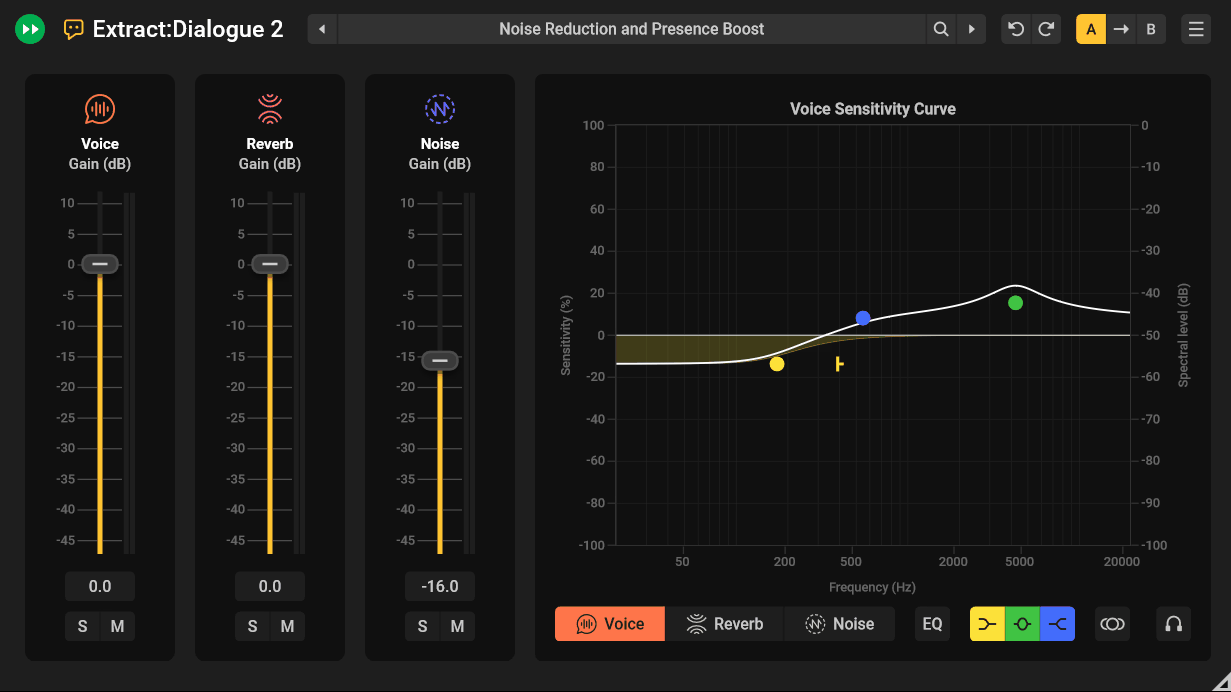
Post-production editors were actually part of building this one, which shows in its structure. Extract:Dialogue 2 splits audio into three components, Voice, Reverb, and Noise, each with its own fader, mute, solo, and dedicated EQ section, rather than relying on one global noise knob.
I’d call real-time reverb reduction the standout addition here, letting you tame room sound with frequency-dependent control rather than treating reverb as all-or-nothing.
What surprised me most in the reviews I read is how light it is on CPU, with one tester clocking a single instance at under half a percent of their FX processing.
- Three-way stem separation with individual faders, mute, solo, and EQ for Voice, Reverb, and Noise
- Real-time reverb reduction with frequency-dependent control, not just noise suppression
2. Waves Clarity Vx Pro
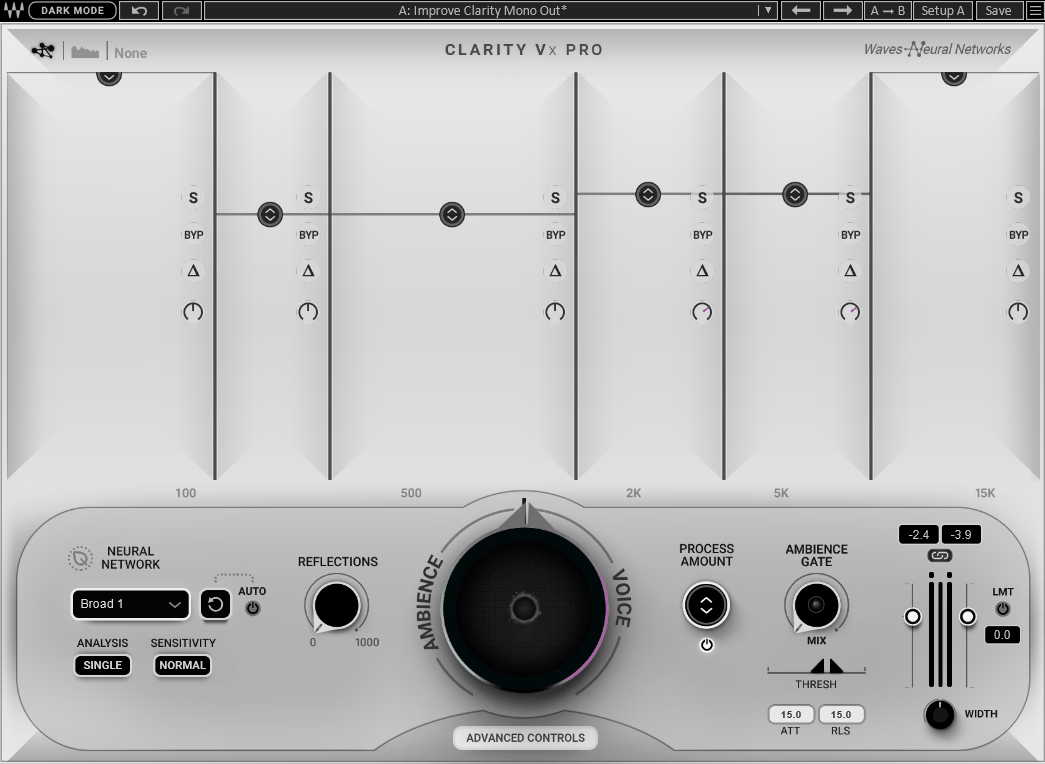
You can actually mix dialogue while your other tracks keep playing here, which sounds like a small thing until you’ve spent an afternoon bouncing and re-importing every time you tweak a noise setting. Clarity Vx Pro is built on Waves Neural Networks, and the Ambience Keeping and Reflections controls let you decide how much natural room character survives the cleanup rather than drying everything out completely.
Multiple bands of independent processing give you solo, delta, and bypass options per band, plus a waveform FFT display so you can actually see what’s being pulled out, not just guess by ear. If you don’t need that much depth, Waves also bundles the simpler single-knob Clarity Vx for lighter jobs.
- Multiband processing with individual solo, delta, and bypass controls per band
- Ambience Keeping and Reflections controls to preserve natural room character
3. Supertone Clear
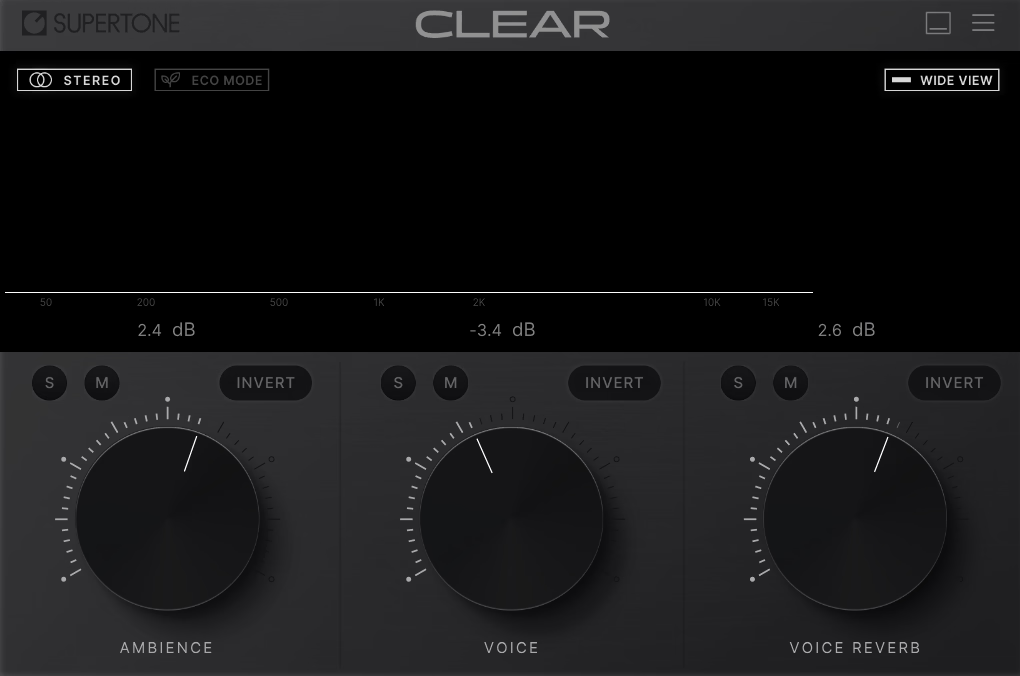
Three knobs, that’s genuinely the entire interface, and depending on how much manual control you’re used to, that’s either refreshing or frustrating. Supertone Clear’s neural network splits audio into Voice, Ambience, and Voice Reverb, and you just dial each one until the balance feels right.
What I found most convincing in the user reports was the de-reverb performance, which several reviewers said rivals plugins costing several times more.
You’ll pay for that in CPU load though, since it runs noticeably heavier than most of its competitors, and it’s clearly built around real-time streaming and podcast workflows rather than deep surgical restoration.
- Three-knob interface: Voice, Ambience, and Voice Reverb, each controllable independently
- Strong de-reverb performance, rivaling more expensive dedicated restoration suites
4. Waves WNS Noise Suppressor
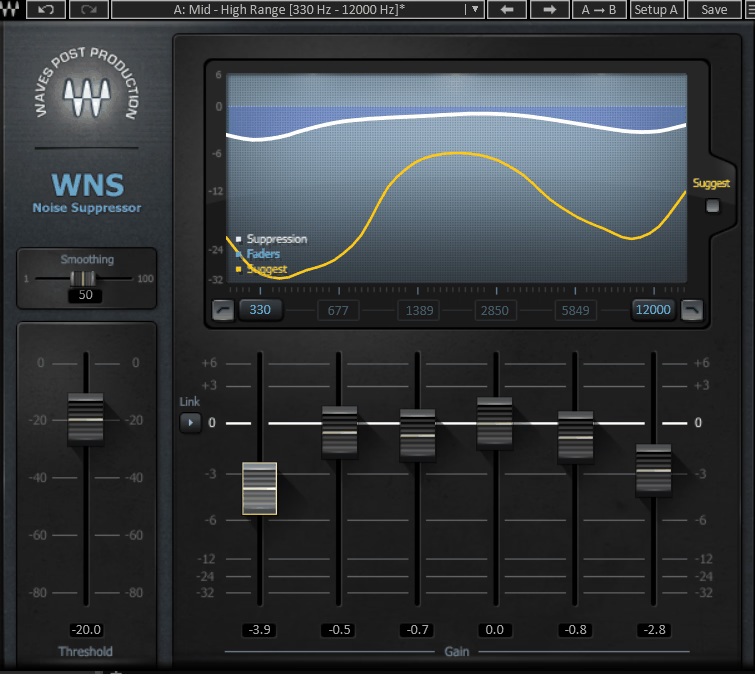
This one isn’t trying to surgically hunt down every noise event. WNS Noise Suppressor is instead built to prioritize pushing the voice forward, which is exactly the right approach for broadcast and location dialogue where intelligibility matters more than perfection.
Six adjustable frequency bands give you dynamic range selection across the spectrum, and the “Suggest” feature is genuinely useful if you’re newer to noise suppression, since it analyzes the signal automatically and hands you a starting point to fine-tune from there.
Zero latency operation also makes it a safe bet if you’re syncing dialogue to picture and can’t afford any drift.
- Six-band dynamic EQ engine for precise, per-frequency noise suppression
- “Suggest” auto-analysis feature and zero latency for picture-locked dialogue work
5. Klevgrand Brusfri
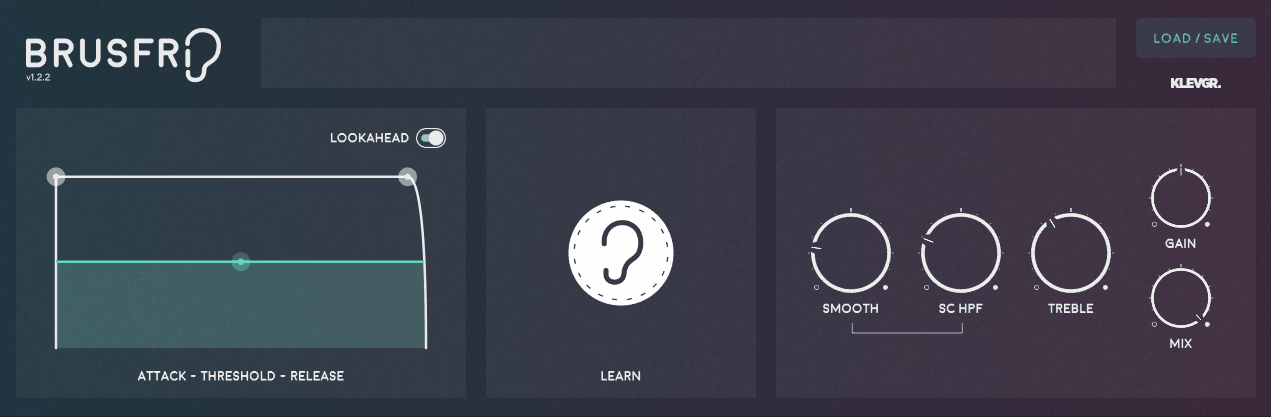
Here’s the thing about most noise reducers: they mess with phase to suppress noise, and that’s exactly what causes the chirpy, watery artifacting everyone complains about. Brusfri skips that entirely, running audio through multiple frequency-trimmed expanders that gate noise down without altering phase relationships.
Compared to tools like Extract:Dialogue 2 or Clarity Vx Pro that tackle a range of noise types, Klevgrand’s plugin is designed specifically for steady-state noise and stands out by avoiding phase manipulation entirely.
While it excels at hum and hiss, it’s not suitable for removing transient sounds like clicks and pops, unlike some broader-spectrum denoisers.
- No phase manipulation, using frequency-trimmed expanders instead
- One-button Learn workflow built for steady-state noise like hum and hiss
6. Justin Sheriff De-Space
Room reflections, background noise, and tonal imbalance are the three things that wreck bedroom recordings, and De-Space tackles all three at once through sections labeled Echo, Denoise, and Gate. Instead of chaining together three separate plugins to solve three separate problems, you get one streamlined interface built specifically for untreated rooms.
Four selectable quality modes give you a real tradeoff here, from a 12ms setting fast enough for live monitoring up to a 93ms mode for final processing where quality matters more than speed. Justin Sheriff prices it as pay-what-you-want with a suggested $5, which honestly makes it one of the easiest tools on this list to just try.
- Three-in-one cleanup: Echo (room reflections), Denoise (hiss and hum), and Gate (silence between phrases)
- Four quality modes and pay-what-you-want pricing with a suggested $5 contribution
7. Accentize dxRevive Pro
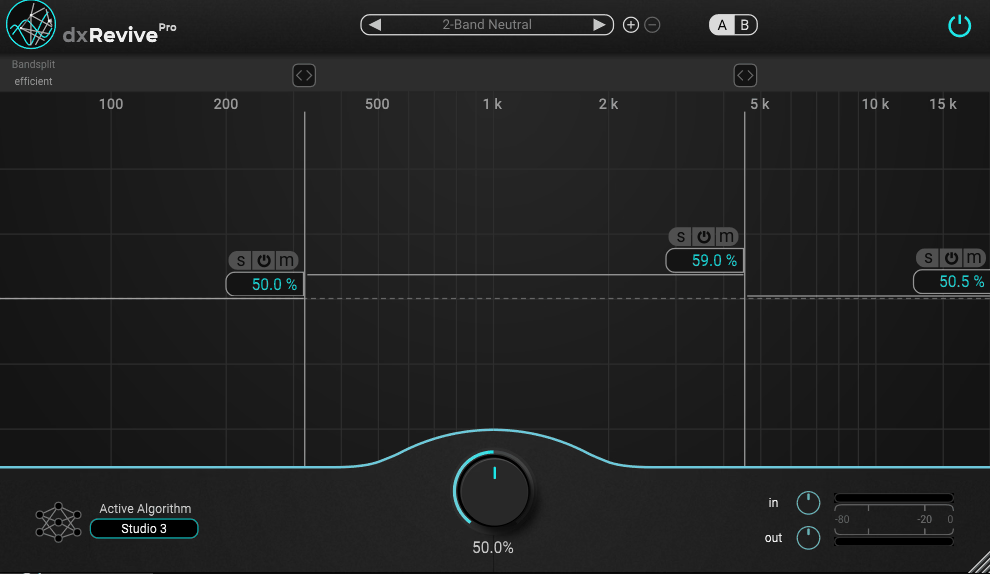
What separates dxRevive Pro from other plugins on the list is that it doesn’t just remove problems, it restores missing elements.
While most tools only subtract noise or distortion, this one actively reconstructs frequency content that’s entirely missing, which is especially important for phone recordings, Zoom calls, or any audio heavily compressed by a codec.
You get multiple selectable algorithms here, Studio, Retain, and Neutral, each taking a different stance on how aggressively to reshape tone versus preserve what was originally there.
The Pro version also adds a spectral focus mode for fine-tuning specific frequency bands and individual bypass buttons per band, which the standard dxRevive doesn’t include, and everything processes locally on your machine, which several post professionals specifically called out as a reason they trust Accentize’s plugin with client material.
- Reconstructs missing frequency content rather than just removing noise, making it useful for phone- and codec-damaged audio
- Multiple restoration algorithms (Studio, Retain, Neutral) plus spectral focus mode and per-band bypass, exclusive to the Pro version
Freebies
1. ToneLib NoiseReducer
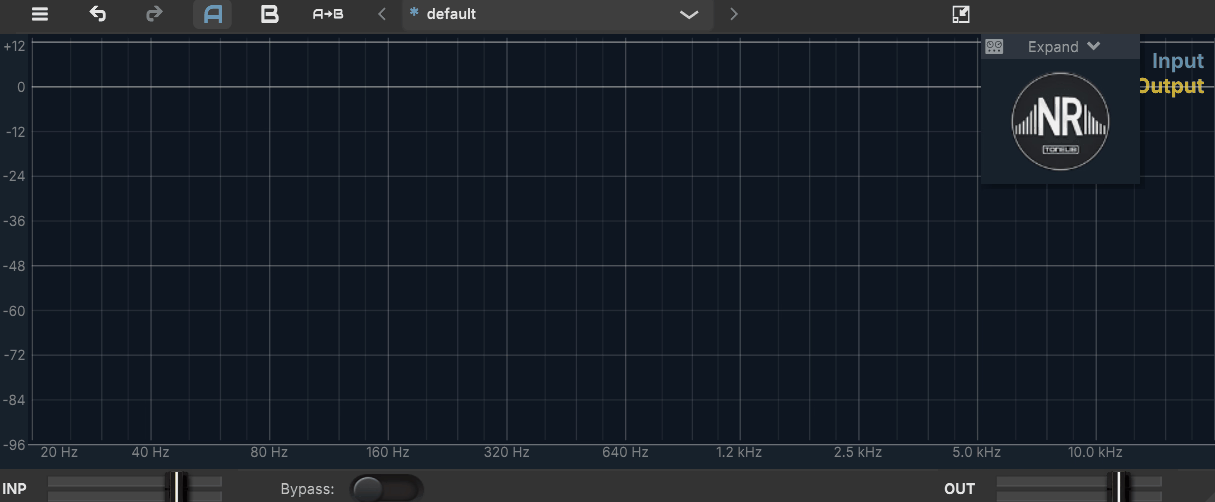
Vocals aren’t the only priority here, and that’s actually the interesting part. NoiseReducer‘s dedicated EasyGate unit is tuned specifically around guitar frequency ranges, sitting alongside a more general-purpose Noise Reducer Unit with Depth, Attack, Hold, Decay, and Threshold controls, or just one Threshold slider if you flip on Auto Mode.
I don’t see Linux support very often in this category, so it’s worth mentioning that ToneLib’s plugin covers Mac, Windows, and Linux without asking for anything. For a completely free plugin, it genuinely holds its own against paid noise gate plugins for everyday tasks like reducing guitar hum and ambient room noise.
- Two-unit design: Noise Reducer Unit for general noise, EasyGate Unit tuned for guitar frequency ranges
- Available on Windows, macOS, and Linux, entirely free with no functional limitations
2. Denoiser by Blue Lab Audio
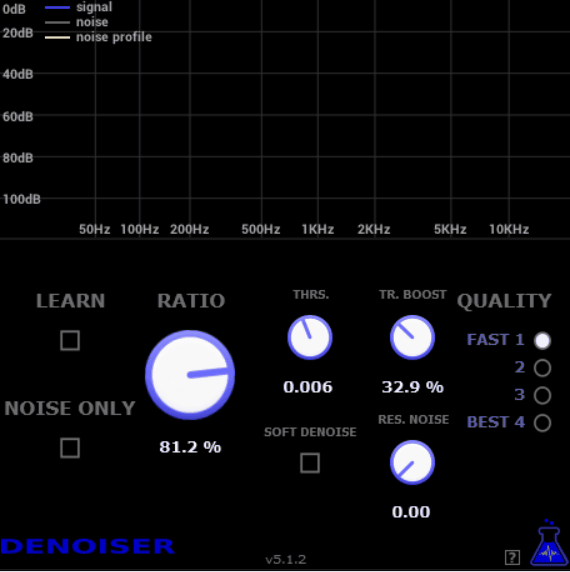
A brief noise-only section from your recording is all this one needs, sometimes as little as a second, before BL Denoiser learns and attenuates that same noise profile across your whole track. It’s not limited to vocals either, and it includes a residual noise removal option specifically aimed at the “musical noise” artifacting that ruins cheaper denoisers.
Here’s something worth knowing before you download it: Blue Lab Audio discontinued development back in 2021 and released its entire catalog for free as a result. It’s still genuinely capable and widely used today, but I wouldn’t expect any future updates or support.
- Noise-learning workflow from as little as one second of isolated noise audio
- No longer actively developed, though still free, functional, and widely used

Hey, I started Music Circuit to write about plugins and gear, so you always know what’s new and what’s worth trying. You’ll also find guides and tips here to help you get started, whether you’re picking your first plugin or building out a full studio.