When you purchase through the links on my site, you support the site at no extra cost to you. Here is how it works.
Kontakt 8 is strong option for sound designers, especially with Conflux and the sheer size of the bundled Factory Library 2 behind it. That said, sample loading can feel slow at times, and with a library this large, that's noticeable in daily use. The new tools, particularly Leap, Chords, and Phrases, are a real strength here, and the whole thing is approachable enough for beginners who just want to load a preset and start playing with ready-made sounds. Where it falls short is the price relative to what you're getting from the update itself, and the overall speed could use more polish. Worth it for the tools and content, but temper your expectations on performance, especially if you have older PC.
Pros
- + Redesigned browser with six tabs and tag filtering
- + Chords and Phrases ship with 130 and 181 presets
- + Leap maps 16 sample slots to your keyboard and comes with 12 expansion packs in the full version, making loop-based sketching fast and playable
- + Conflux adds a legitimately capable hybrid synth engine with FM, phase, and ring modulation
- + Tools and Leap are included even in the free Kontakt Player
- + Bundled Factory Library 2 content spans seven collections, including 292 vintage instruments and 288 grooves across 90 kits, giving you a lot of usable material out of the box
Cons
- - No way to hide performance view panels
- - MIDI Learn is inconsistent outside Classic view
- - Leap outputs in stereo only and applies performance effects to the whole kit rather than individual samples, limiting it in bigger productions
- - Conflux lacks direct MIDI Learn support on its macro knobs
- - Older presets and Quick Load setups don't always carry over cleanly
- - Chords and Phrases preview through the Piano Uno instrument
I’ve spent some time going through what Kontakt 8, comparing the headline features with how the update actually fits into my workflow.
That’s important to me because Kontakt 8 isn’t simply a larger sampler with a longer feature list. NI has pushed Kontakt toward being a creative production environment, adding MIDI-generation Tools, Leap, Conflux, a redesigned browser, new synthesis capabilities, and a more modern framework for instrument developers.
After using those features, I think the update is genuinely more interesting than a routine version bump. At the same time, I don’t think every change is automatically better, particularly if you already have a large Kontakt 7 setup that you’ve spent years optimizing.
So rather than repeating the press release, I want to look at what actually improves Kontakt, what I think is overstated, and who I would recommend upgrading.
What’s New in Kontakt 8?
The changes I notice most are Tools, Leap, Conflux, the redesigned Default view and browser, Combined presets, an improved Wavetable module, and Komplete UI.
The Tools framework lets me add MIDI-processing features to Kontakt instruments instead of treating Kontakt purely as a sample player. The current Toolset includes Chords, Phrases, Patterns, Chord Builder, Humanizer, Scale Lock, Velocity Curve, Arpeggiator, and After Touch, with some of these arriving through later Kontakt 8 updates.
Leap takes a different approach, giving me a performance-focused way to play and manipulate loops and one-shots. Conflux combines samples with synthesis and modulation for more experimental sounds, while the redesigned browser makes it much easier for me to search across installed Kontakt content.
Kontakt 8 also introduced Komplete UI, a framework for building scalable, high-DPI interfaces with Komplete Script. I don’t expect most musicians to care about that feature directly, but I think it’s important for the long-term development of third-party Kontakt instruments.
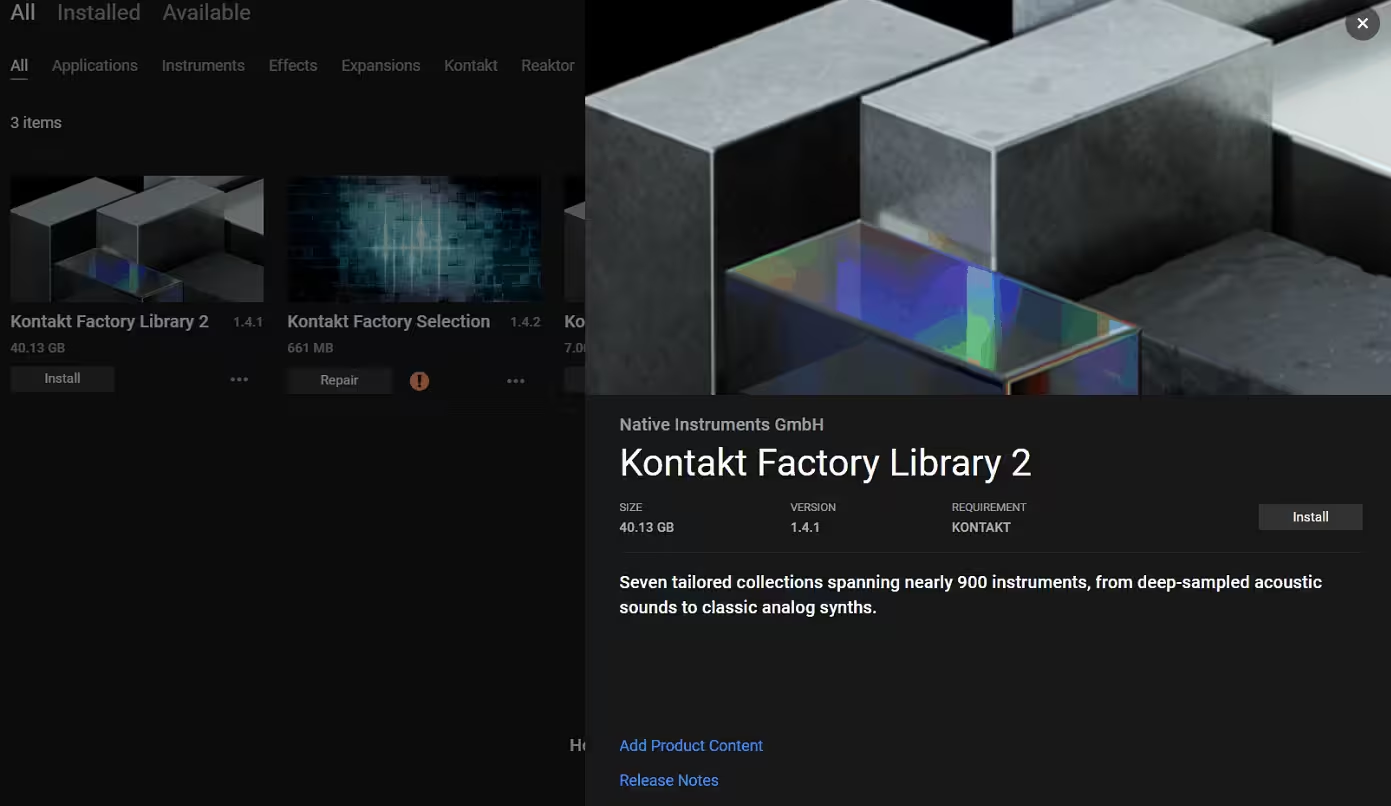
One thing I would clarify from the start is the bundled content. Kontakt Factory Library 2 is included with the full version of Kontakt 8, but Native Access installs the library separately from the application itself. It adds a substantial collection of acoustic, orchestral, electronic, vintage, and cinematic sounds alongside Conflux, Leap content, and other included instruments.
I’m also glad that Kontakt 8 Player isn’t completely left out of the new workflow. The free version gives access to several of the newer creative features, while the full version provides the complete Factory Library 2, deeper editing, the full instrument-building environment, and the broader Kontakt ecosystem.
The Factory Library 2 Content
The bundled library is a major part of the Kontakt 8 value proposition for me, especially if I’m comparing the full version with Kontakt Player.
I don’t think of Factory Library 2 as just a collection of extra presets. It gives new users a large starting point across acoustic, orchestral, electronic, and cinematic sounds, while also demonstrating many of the performance ideas that Kontakt 8 is built around.
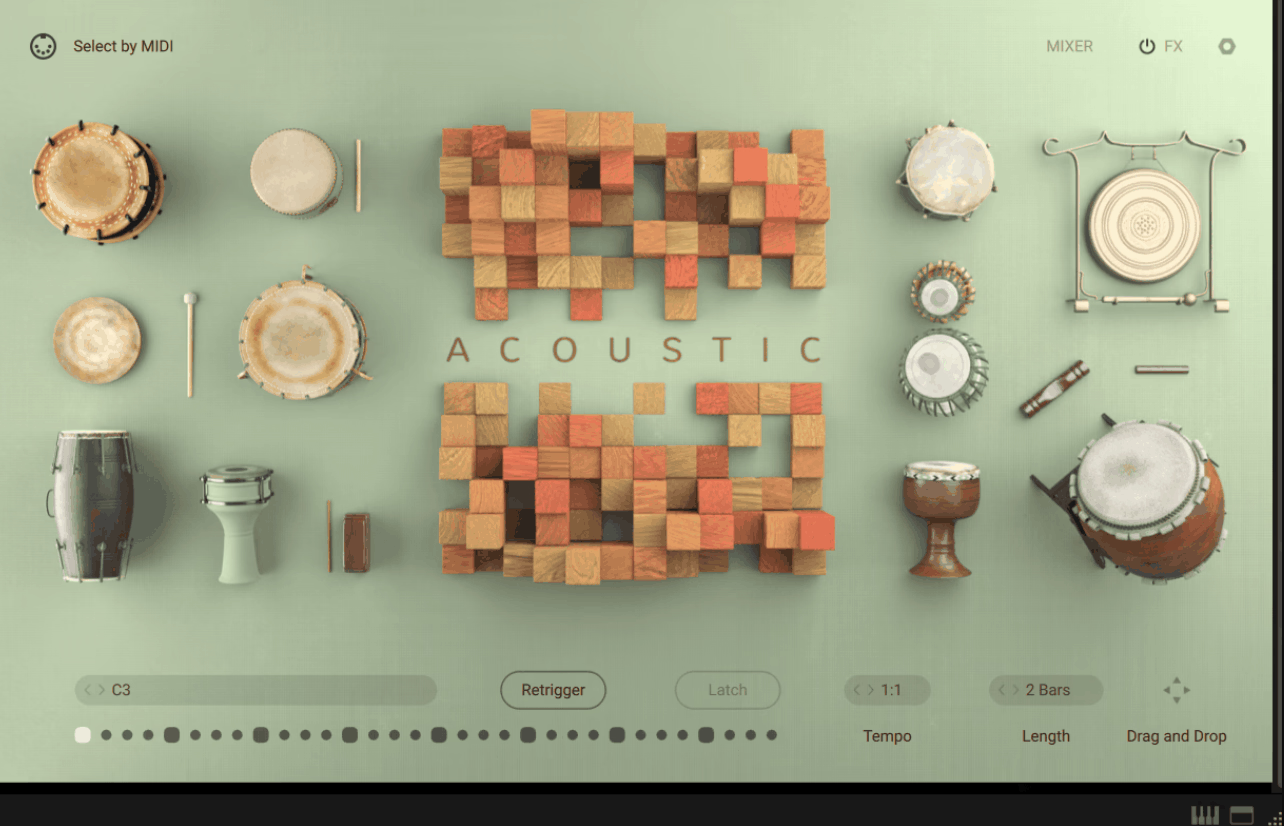
- Acoustic
The Acoustic Collection covers folk and world instruments such as flutes, recorders, dulcimers, fiddles, bagpipes, hurdy-gurdy, gongs, and percussion.
What I like here is that the instruments aren’t simply static sample playback. Many give me mod-wheel performance controls, while rhythm-oriented instruments include patterns that I can drag into my DAW as MIDI.
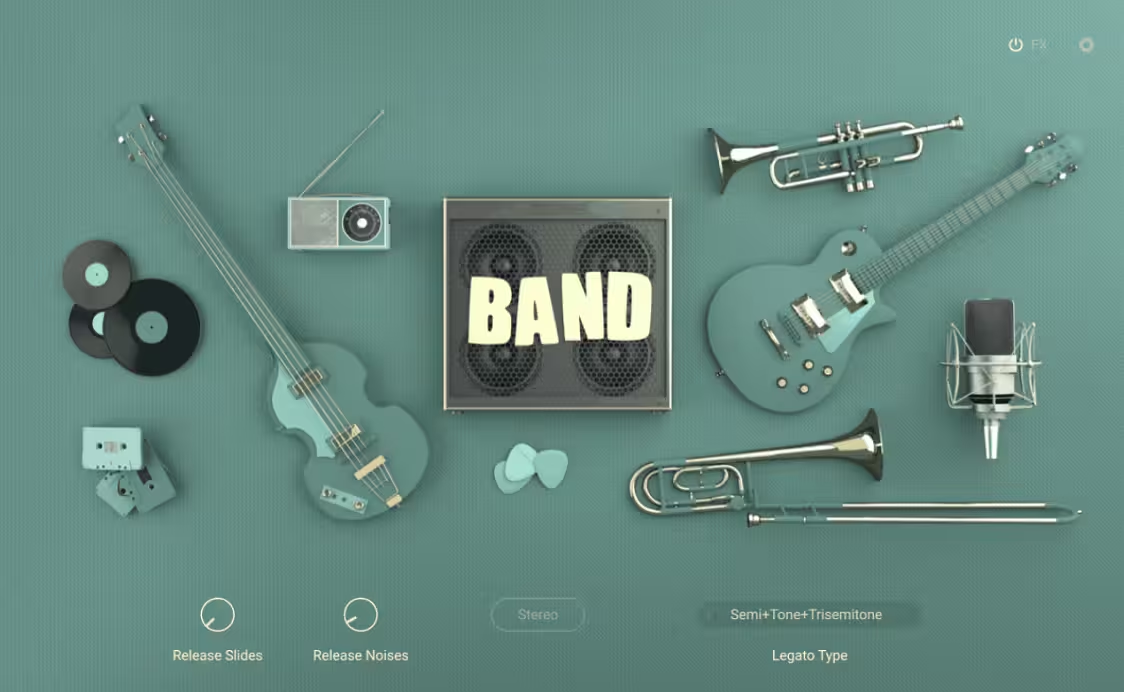
- Band
The Band Collection covers rock, funk, jazz, soul, and related styles with guitars, basses, organs, horns, and electric pianos.
I like the combination of different articulations and performance controls because it gives me more ways to shape a part without immediately reaching for additional effects. Some instruments also include wah, rotary, distortion, vibrato, and harmonization features.
- Beats
The Beats Collection is aimed at drum programming and groove creation. I can trigger individual samples manually or use pre-made patterns that follow my DAW’s tempo.
What makes this more useful to me than a simple loop library is the ability to export the grooves as MIDI. I can start with a pattern, keep the overall rhythm, and then completely rewrite the notes once they’re in the DAW.
- Choir
The Choir Collection covers soprano, alto, tenor, and bass voices, with vowel-based material including Aah, Eh, I, Ooh, Uh, and Mmm.
I particularly like the range of ways the vowels are handled. There are straightforward sustained instruments, keyswitch-based instruments, and morphing sounds designed to move between vowels more smoothly.
- Orchestral
The Orchestral Collection is built around material from Orchestral Tools’ Berlin Series, recorded at the Teldex Scoring Stage in Berlin.
For me, this is one of the strongest parts of the bundled library because it gives Kontakt 8 a serious orchestral foundation straight out of the box.
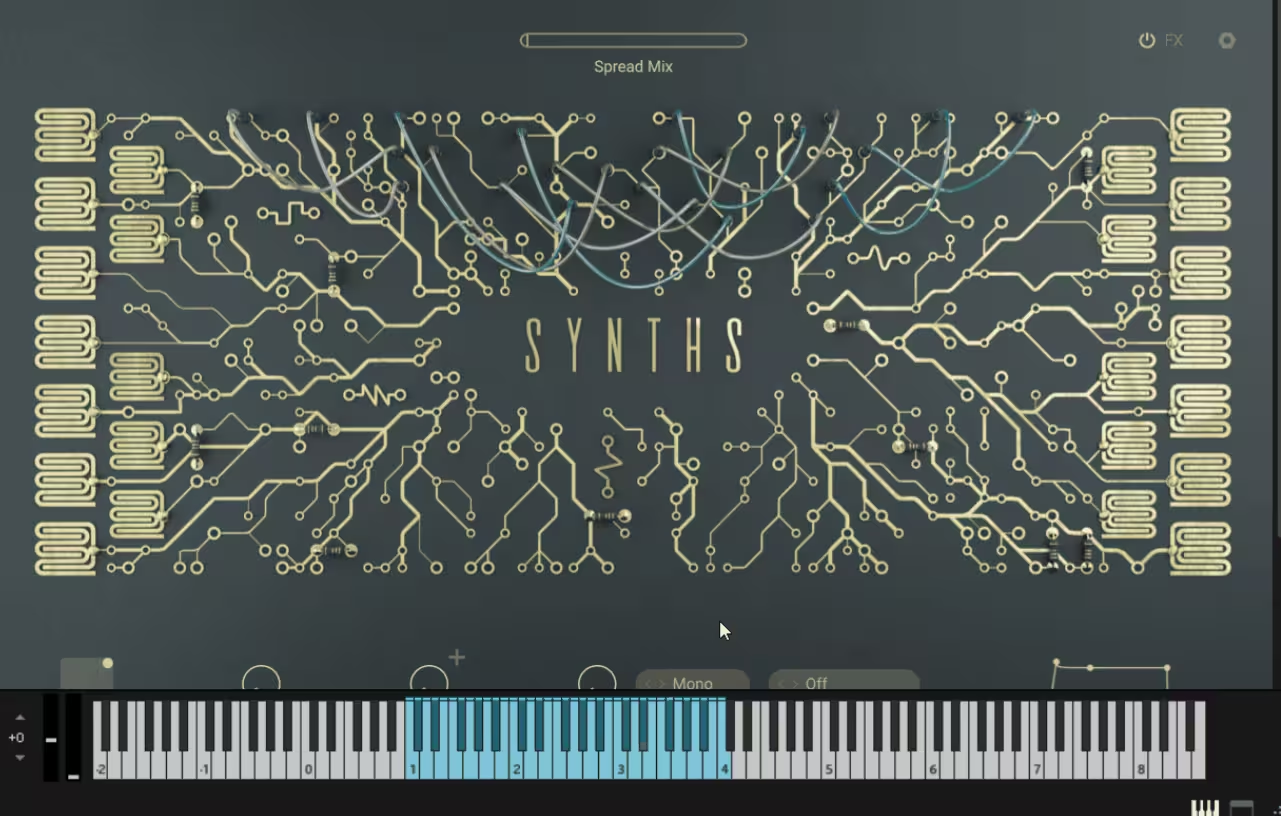
- Synths
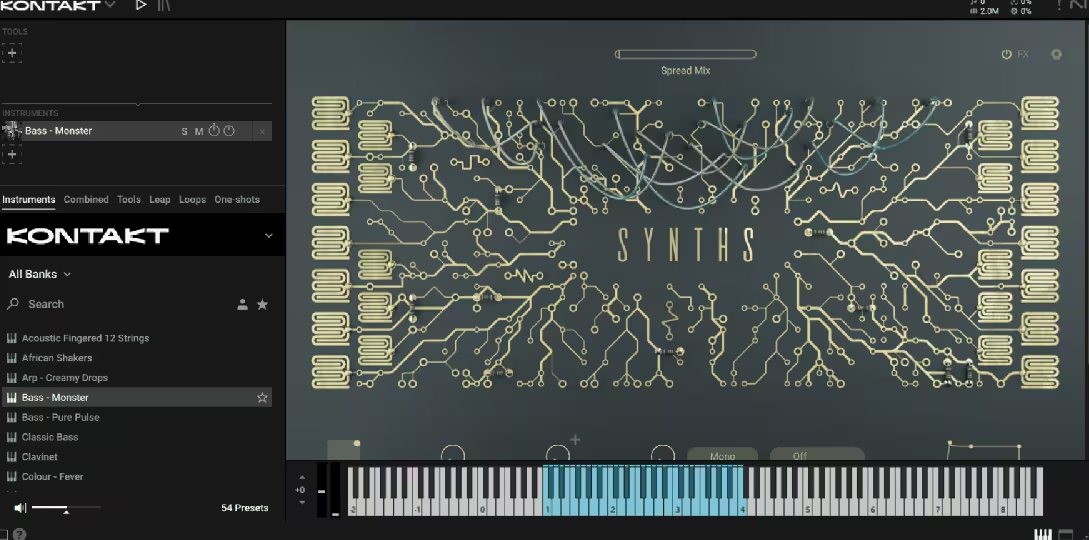
The Synths Collection covers pads, leads, arpeggios, basses, and evolving soundscapes.
I find these useful when I want to create a quick electronic layer without opening a separate synthesizer. Many instruments use two sound layers that I can blend, with filters, modulation, and sequencing available for further shaping.
- Vintage
The Vintage Collection is aimed at sampled electronic instruments with an intentionally aged character.
The XY controls stand out to me because they give me a fast way to move between related qualities such as drive, dirt, instability, and tonal color.
I don’t see this as a replacement for a dedicated vintage-synth collection. I see it more as a quick source of character when I want something that already feels worn-in without building that character myself.
The Redesigned Interface and Browser
This is the part of Kontakt 8 that I noticed immediately, and I think the redesign is one of the most useful improvements and one of the most debatable.
The browser now organizes content into Instruments, Combined, Tools, Leap, Loops, and One-shots. I can filter content by things such as brand, sound type, and character, while the side panel lets me browse and load content without constantly leaving the instrument I’m working on.
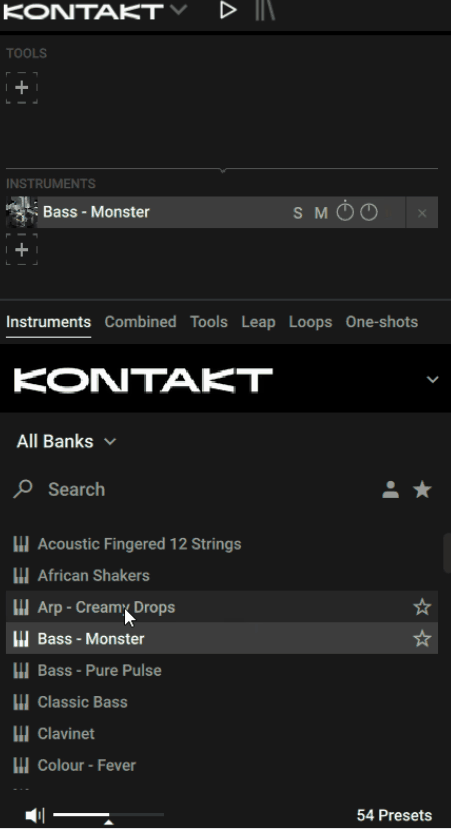
For me, that makes a huge difference when I have a large collection installed. Instead of opening one library, finding a sound, closing it, and repeating the process, I can search more like I would in a modern sample browser.
That’s one of the Kontakt 8 changes I genuinely miss when I go back to an older workflow.
But I don’t think the new Default View is automatically better for everything. When I work with complicated Combined setups, I can still find myself scrolling through large performance interfaces to reach the control I actually need. Classic View remains available, and in some situations I still prefer it because it gets me closer to the traditional Kontakt workflow.
That tells me something important: I see the new interface as a better discovery environment, not an unconditional replacement for Classic View.
Chords and Phrases: The Tools That Actually Matter
The original Chords and Phrases Tools are probably the clearest example of what NI is trying to turn Kontakt into.
Instead of making Kontakt only respond to the notes I play, these Tools can generate and manipulate MIDI ideas. Chords lets me trigger progressions from individual keys, while Phrases maps melodic ideas across the keyboard.
I think this is a smart addition because it attacks one of the most annoying moments in music production: opening a Kontakt instrument and having no idea what to play.
With Chords, I can audition progressions quickly, change the key and scale, and experiment with the voicing and performance behavior. With Phrases, I can do something similar for melodic material instead of drawing every note myself.
The feature I value most is that I can drag the generated MIDI into my DAW.
Once I have that MIDI, I’m no longer stuck with the original preset. I can edit it, change the rhythm, remove notes, transpose sections, or put an entirely different instrument underneath it.
I don’t see these Tools replacing specialized MIDI-generation software. I use them because they’re fast, built into Kontakt, and immediately useful when I’m trying to get an idea moving.
Patterns: The Tool I Keep Coming Back To
Patterns is one of the newer additions that makes the Tools concept feel more complete.
NI describes it as a hybrid of an arpeggiator and polyphonic step sequencer, and I find it particularly useful with older Kontakt libraries.
I can load a sound I’ve used dozens of times, add Patterns, and suddenly interact with it in a completely different way. One sustained chord can become a moving sequence with relatively little programming.
I don’t think Patterns is deep enough to replace a dedicated sequencing environment, but that’s not why I use it.
I use it because it’s fast.
Leap: A Sampler Inside the Sampler
Leap is probably the most obviously performance-oriented part of Kontakt 8.
It maps 16 sample slots across the white keys, while the black keys trigger performance effects. I can play loops and one-shots directly from the keyboard, manipulate them in real time, and build a performance rather than simply dragging audio onto the timeline.
I immediately understood the appeal. When I’m sketching an electronic track, I’d often rather play a groove into existence than spend ten minutes chopping and arranging loops manually.
Leap can also use my own samples, which is important because I don’t want to be limited to expansion content.
Where I think Leap starts to fall short is when I move from sketching to detailed mixing.
The performance effects aren’t independently routable to every sample slot, and Leap is fundamentally a stereo instrument rather than a collection of separately mixable tracks.
That doesn’t bother me when I’m generating an idea. It bothers me when I decide the kick needs its own processing, one loop needs a different delay, and I want everything separated for mixing.
At that point, I would rather move the material into the DAW.
So I see Leap as an excellent performance and idea-generation tool, but I wouldn’t treat it as a replacement for a full loop-arrangement workflow.
Conflux: Kontakt’s Most Interesting New Instrument
Conflux is probably the part of Kontakt 8 that impressed me most from a sound-design perspective.
It’s a hybrid instrument that combines organic samples with synthesis, including wavetable technology and modulation techniques such as FM, phase modulation, and ring modulation.
What I like is that NI isn’t trying to turn Conflux into another general-purpose wavetable synthesizer.
Instead, I can take something organic and push it toward something much more synthetic while retaining some of its original character.
That’s why I think it works particularly well for evolving pads, cinematic textures, atmospheres, and unusual sound-design material.
I wouldn’t pick it over a dedicated synth for straightforward basses or conventional leads. That’s not really its job.
For me, Conflux succeeds because it has its own identity. I can load a dedicated synth when I want a traditional oscillator-based workflow, or I can load Conflux when I want sampled character and synthesis to blur together.
The Improved Wavetable Engine
Conflux gets more attention, but I think the Wavetable module improvements are arguably more important if I look at Kontakt as a development platform.
Kontakt 8 expanded the wavetable system with additional shaping and a Modulation Oscillator, allowing audio-rate frequency, phase, and ring modulation.
For someone who only loads commercial libraries, this may not matter much.
For me, it’s much more interesting when I think about what developers can build with Kontakt. The more synthesis options Kontakt has internally, the easier it becomes to combine sampling and synthesis without forcing developers to create completely separate engines.
That is one reason I think Kontakt 8 is more significant than its flashy new instruments might initially suggest.
Komplete UI: The Quietly Important Upgrade
Komplete UI isn’t the feature I expect most producers to talk about after installing Kontakt 8, but I think it could have the biggest long-term impact.
It’s a framework from Native Instruments for creating high-DPI, scalable Kontakt interfaces alongside the newer development tools.
As a user, I mainly experience this indirectly. I notice it when a newer Kontakt instrument looks clean, scales properly on a high-resolution display, and feels more like a modern application. For developers, the significance is much larger.
If NI can make it easier for third-party developers to build modern, scalable, responsive interfaces, I expect the quality and consistency of Kontakt instruments to improve over time.
That makes Komplete UI less of an immediate reason for me to upgrade as a producer, but a much more important reason to pay attention to where Kontakt is going.
Where Kontakt 8 Falls Short
There’s a lot I like about Kontakt 8, but I don’t think the redesign is completely resolved yet.
The biggest issue for me is the split between Default View and Classic View. The new interface is much better for browsing, but some workflows still work better in Classic View, which makes the redesign feel slightly unfinished.
I’ve also seen reports of older libraries not appearing correctly in Default View, even though they remain available elsewhere. I wouldn’t call this universal, but with a large collection, I’d definitely test my own setup before upgrading.
I also understand the criticism that some of Kontakt 8’s headline features focus more on speed and accessibility than deep power-user workflows. Chords, Phrases, Patterns, and Leap make it easier to get ideas started, but they don’t replace serious scripting, instrument building, or a mature DAW workflow.
Is Kontakt 8 Worth Upgrading To?
I think it depends on how you use Kontakt.
If I’m new to Kontakt, I’d choose version 8 because I’m getting the current browser, creative Tools, Leap, Conflux, and the latest platform features in one package.
For an existing Kontakt 7 user, I’d be more selective. The upgrade makes more sense if I spend a lot of time browsing large libraries, generating MIDI ideas, experimenting with Leap, or exploring newer sound-design workflows.
If my setup depends heavily on Classic View, older libraries, complex templates, or detailed instrument-building, I’d be more cautious.
I’d also try Kontakt 8 Player first if I’m unsure. It gives me a chance to experience the newer workflow before paying, which is much more useful than judging the upgrade from its feature list alone.
Final Verdict
After using Kontakt 8, I see it as more than Kontakt 7 with extra features. The browser improves discovery, Tools speed up idea generation, Leap adds performance-based sampling, and Conflux brings a genuinely different sound-design approach.
I wouldn’t upgrade blindly, though. New users should start with Kontakt 8, while existing Kontakt 7 users should upgrade when its new workflow actually solves problems they have. For me, that’s what makes the update worthwhile.
Hey, I’m Viliam, I started Music Circuit to write about plugins and gear, so you always know what’s new and what’s worth trying. You’ll also find guides and tips here to help you get started, whether you’re picking your first plugin or building out a full studio.